
You want to send fifty $50 gift cards to the sales team that just closed the quarter. Today that means opening the portal, uploading a CSV, picking a card type, writing the email, and checking delivery the next morning. An AI-powered gifting assistant turns that into one sentence typed into Claude. Giftronaut can automate gift card rewards through an API after a user completes an action. Giftronaut MCP gives your AI assistant a direct connection to the same account, so you run gifting in plain English. Watch the free webinar to see how to build it yourself: Creating an AI-Powered Gifting Assistant.
This guide covers what an AI-powered gifting assistant is, why teams are automating gifting, how API automation works after a user action, how Giftronaut MCP connects to your account, and how to keep control of every send.
📌 TL;DR
- An AI-powered gifting assistant is an AI tool such as Claude, connected directly to your gifting account, so you send and track gift cards in plain English instead of clicking through a portal.
- The connection runs on the Model Context Protocol (MCP), an open standard that Anthropic introduced in November 2024 and donated to the Agentic AI Foundation in December 2025.
- Giftronaut offers an API and an MCP connection covering orders, recipients, balance, catalog, campaigns, and templates, with every order prepared as a draft that you confirm.
- Giftronaut offers a free webinar recording that shows an assistant checking a balance, adding recipients, and preparing an order.
What is an AI-powered gifting assistant?
An AI-powered gifting assistant is an AI tool you already use, connected directly to your corporate gifting account, so that ordering and tracking gift cards happens in conversation instead of in a dashboard. You type “check my Giftronaut balance and send Ana a $50 Choice Card.” The assistant reads your live balance, drafts the order, shows you the draft, and sends it once you approve.
The distinction that matters: this is not a chatbot bolted onto a website, and it is not an AI that writes your gift message for you. It is an authenticated connection between your assistant and your account. When the assistant reports a balance of $4,230, that is your actual balance.
The connection runs on the Model Context Protocol (MCP). Anthropic introduced MCP in November 2024 as an open standard for connecting AI systems to external tools and data sources. In December 2025, Anthropic donated MCP to the Agentic AI Foundation, a directed fund under the Linux Foundation, and reported more than 97 million monthly SDK downloads across Python and TypeScript.
Practically, MCP means any MCP-compatible AI tool can discover what Giftronaut offers without custom integration code. You add a server URL and sign in through your browser. Your assistant then sees the tools Giftronaut exposes.

Why are teams automating gifting in 2026?
The Incentive Research Foundation’s Industry Outlook for 2026, based on 400 survey responses, found that nearly 70% of North American organizations anticipate a moderate or significant increase in gift card use. It also found that 65% of North American programs expect more participants to receive a non-cash incentive. The same report found flat budgets and rising costs, with organizations relying on in-house teams supported by platforms, apps, and digital tools.
The tooling is catching up too. Gartner predicted in August 2025 that 40% of enterprise applications will be integrated with task-specific AI agents by the end of 2026, up from less than 5% in 2025. McKinsey’s State of AI 2025 survey found that 62% of organizations were at least experimenting with AI agents and 23% were scaling an agentic AI system somewhere in their enterprise.
Gifting is a good first job for an assistant because the work is repetitive and rules-based: lists, amounts, dates, and delivery confirmations. The one judgment call, who deserves a reward, stays with you. And a draft that you confirm keeps a mistake from reaching a recipient.
Can you automate gift card rewards through an API after a user completes an action?
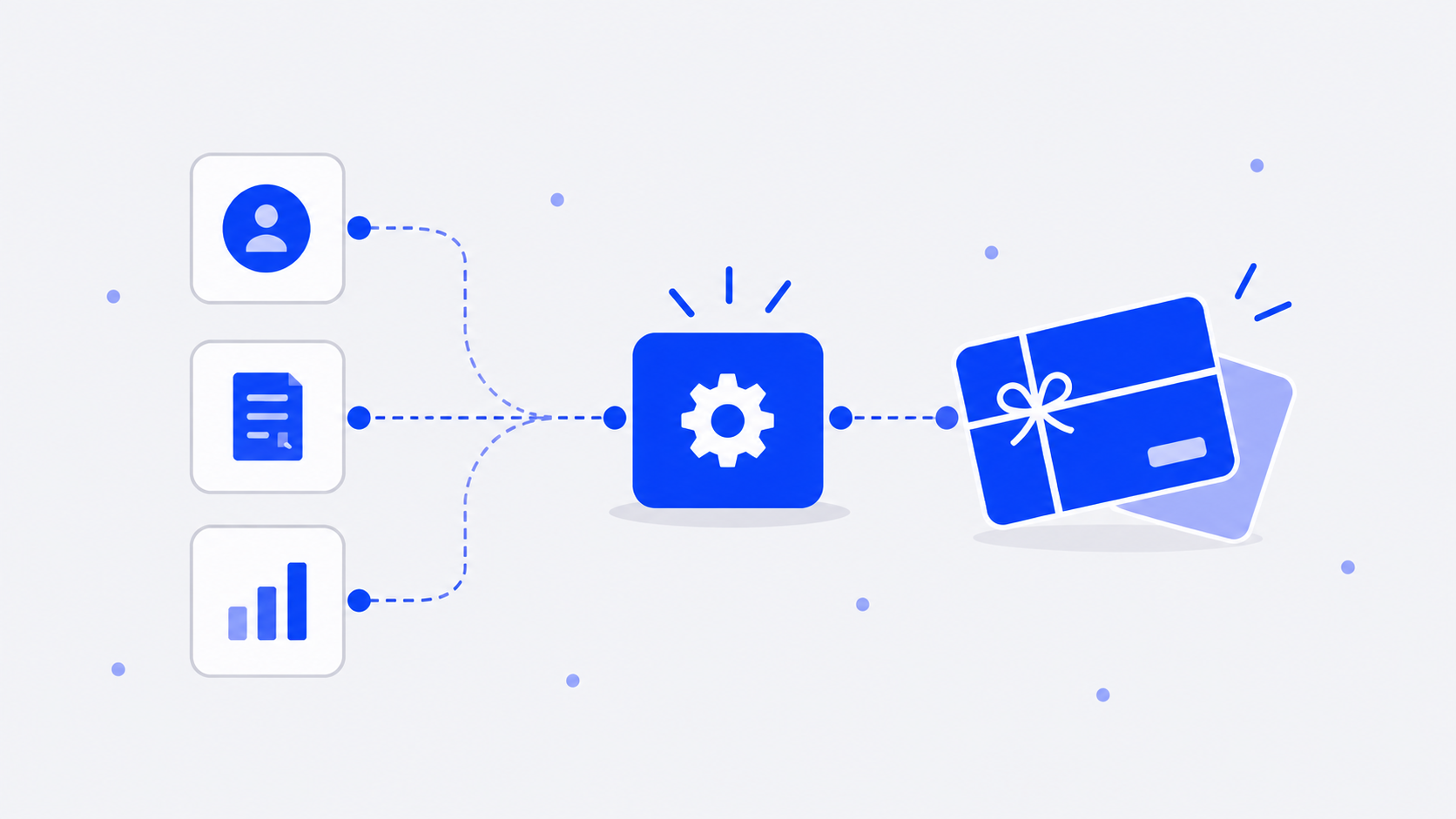
Yes, and the pattern is the same for any trigger. Your system detects the action, such as a signup, a closed deal, or a survey response. It then calls the Giftronaut API to place the order. Sending a reward follows four steps in the API guide: choose a card type, set up the delivery email, specify your recipients, and place the order.
Five details decide whether the automation holds up in production:
- Idempotency: every order creation request requires an idempotencyKey. Giftronaut rejects a repeated key, so a retry never creates a duplicate order.
- Sandbox: sandbox access is self-serve and free. It uses a virtual balance and issues no real gift cards.
- Webhooks: Giftronaut signs every webhook with HMAC-SHA256 and makes up to 5 delivery attempts per event.
- Rate limits: production allows 60 requests per minute, and sandbox allows 300.
- Funding: your account must be pre-funded before an order can be placed. Giftronaut does not offer automatic account replenishment, so each top-up is started by you.
Start in the sandbox, then switch credentials to go live. The sandbox and production use the same base URL, and your credentials decide the environment. The Gift Card API page and the API documentation cover the developer path. If you would rather ask than code, the same account works through MCP.
How does Giftronaut MCP connect your AI tool to your account?
Before you connect, you need a Giftronaut developer account, at least one active app in your developer portal, and an MCP-compatible AI client. Then there are three steps, and none of them involve code. First, add the Giftronaut MCP server URL to your AI client’s configuration. Second, sign in through your browser. Third, start typing. The MCP setup guide walks through each step.
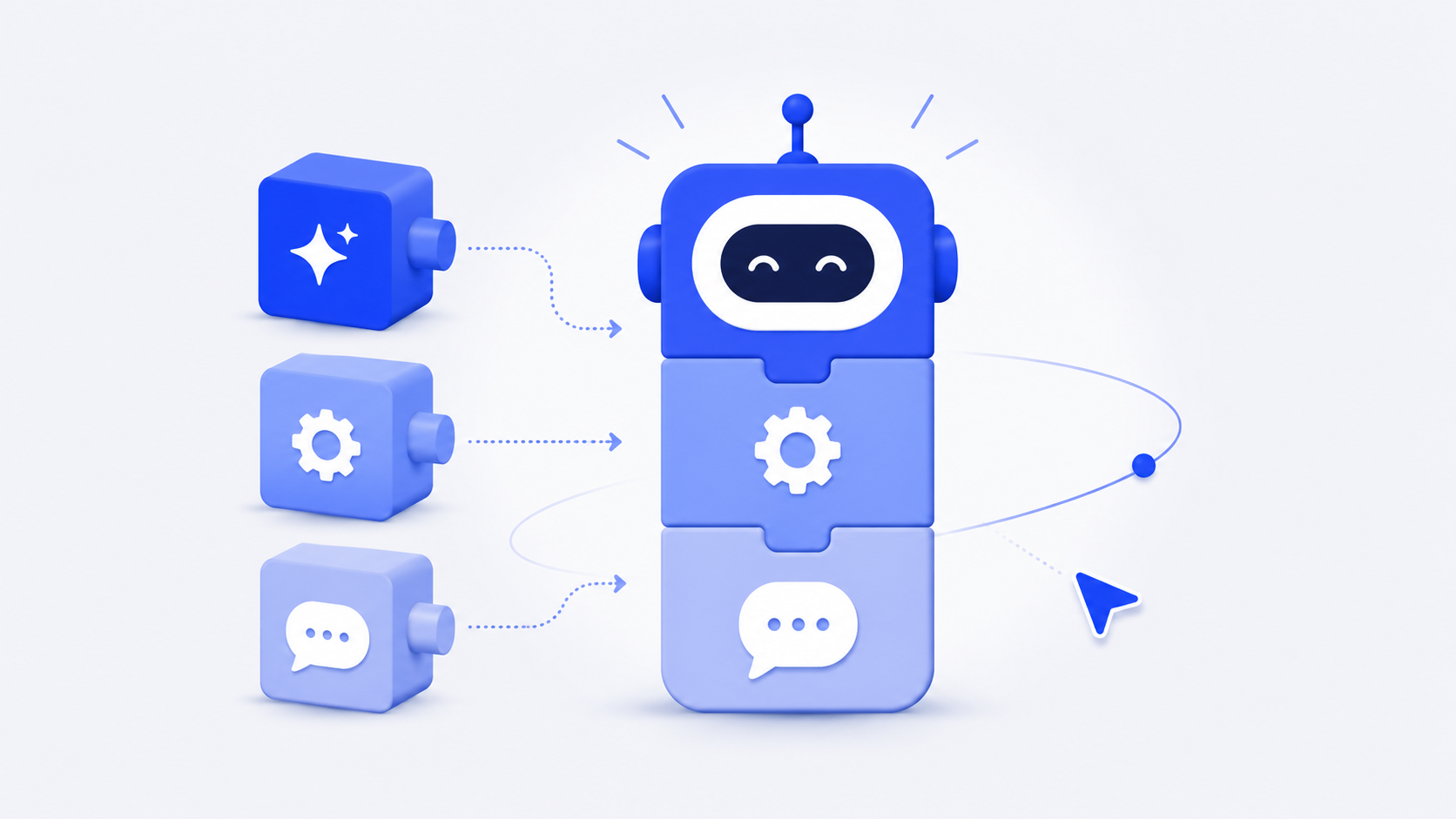
Giftronaut MCP uses browser-based sign-in, so there are no API keys to copy and paste. It uses the same client_id and client_secret as the Giftronaut REST API, so teams already running the Gift Card API work from one credential set instead of a parallel one.
You can manage orders, recipients, balance, catalog, campaigns, and templates. Balance tools read your available funds and ledger, and handle funding requests and approvals. Recipient tools create people one at a time, parse a CSV, build groups, and update records. Catalog tools search what is available in a given country. Order tools draft, execute, track, resend, and cancel. Template and campaign tools save a reusable send configuration, so the next send takes a sentence instead of a setup.
What does the free webinar recording show?
The recording, Creating an AI-Powered Gifting Assistant, is available for you to watch at your own pace. It covers three things:
- Check balances, add recipients, and build templates. You check your balance and ledger, add recipients one at a time or by CSV, and create a reusable branded template, all in plain English.
- Send, track, and manage orders. You browse available rewards by country, prepare and send a Choice Card, track delivery, resend an order, or update a recipient without moving between tools.
- Keep control of every send. The assistant prepares each order and waits for your approval before anything is sent.
Enter your name, company, and work email, and the recording plays right after you submit the form. Giftronaut also publishes step-by-step guides for using MCP with HubSpot, Slack, Google Sheets, Salesforce, Zapier, Gmail, Google Calendar, Qualtrics, and SurveyMonkey.
Which AI tools work with Giftronaut MCP, and do you need to code?
No code is needed, and several tools work. Per the Giftronaut help center, Giftronaut MCP works with Claude (web or Claude Desktop), Claude Code, OpenCode, Cursor, Codex, and other MCP-compatible clients.
Choosing between them comes down to where your team already works. Choose Claude for the easiest starting point for day-to-day gifting tasks. Choose Claude Code or OpenCode if you are comfortable with a terminal. Choose Cursor if you work inside a coding workspace. The help center recommends starting with read-only prompts, such as checking a balance or listing recent orders, before you ask the assistant to create or send anything.
A traditional gifting integration is a developer project: someone reads API docs, writes a script, deploys it, and owns it. An MCP connection needs a configuration entry and a browser sign-in, with no integration code.
How do you keep control of what the assistant sends?
Giftronaut adds safeguards on the server, so control does not depend on how carefully you write a prompt.
- Draft, then confirm: Giftronaut prepares each order as a draft, and you confirm it before it sends. Drafts expire about 1 hour after creation.
- Exact confirmation for destructive actions: cancel order, delete recipient, delete recipient group, and remove recipient from group each require an exact YES confirmation.
- Spend cap: a daily USD spend cap, set per organization, applies to tools that move funds.
- Tool controls: operators can switch off individual tools per environment.
- Audit trail: every tool call is listed on the Logs page in the portal, with the tool name, status, and duration.
- Production only: MCP rejects sandbox credentials, so every send is a real send.
- Global catalog: Giftronaut offers 4,300+ brands across 225 countries, and a Choice Card lets each recipient pick the brand and currency at redemption.
- Fees: Giftronaut has no subscription fees and no service charges. ACH and wire deposits carry no fee, and credit card deposits carry a 3% processing fee.
The Choice Card is the reason this scales in conversation. Instead of guessing that Ana wants coffee and Ben wants books, you send one Choice Card and the recipient picks a brand. Your assistant never has to guess a preference, which removes one of the hardest things to express in a prompt.
Free webinar recording: Create an AI-Powered Gifting Assistant
Watch how to set up an assistant that checks balances, adds recipients, and prepares orders for your approval, at your own pace.
What is the next step for your AI-powered gifting assistant?
Watch the free recording to see an assistant check a balance, add recipients, and prepare an order. Then follow the MCP getting started guide to connect your own account. If you prefer to build the automation yourself, start in the API sandbox.

Want to see what your recipients receive first? Try a sample gift card.
Frequently Asked Questions
What is an AI-powered gifting assistant?
An AI-powered gifting assistant is an AI tool connected to your gifting account. You send and track gift cards by typing plain-English requests. Giftronaut prepares each order for your confirmation.
Do I need a developer to set up Giftronaut MCP?
No coding is needed to connect Giftronaut MCP. You add a server URL and sign in through your browser. You copy and paste no API keys.
Can the assistant send gift cards without my approval?
No. Giftronaut prepares each order as a draft that you confirm before it sends. Drafts expire about 1 hour after creation.
Does Giftronaut offer an API for gift cards?
Yes, Giftronaut offers an API for sending gift card rewards, managing recipients, and checking balance. Giftronaut’s sandbox uses a virtual balance, so it issues no real gift cards. Read the Giftronaut API documentation to get started.
Can I test Giftronaut MCP in a sandbox?
No. Giftronaut MCP is production-only, so sandbox credentials are rejected. Start with read-only prompts, such as checking a balance.
Which AI tools work with Giftronaut MCP?
Giftronaut MCP works with Claude, Claude Code, OpenCode, Cursor, and Codex. It also works with other MCP-compatible clients. The help center guide compares the options.