For a Starbucks e gift card bulk order, use Starbucks’ larger-group route for orders of 15 or more, or use a platform or retailer after confirming its quantity and format. As of November 2026, Starbucks’ gift-card page lists a 15-card minimum for larger-group orders, and its Card Terms direct businesses to the business-to-business site for requirements and restrictions.
How do I send Starbucks eGift cards in bulk to a team or client list?
To send Starbucks eGift cards in bulk, choose Starbucks’ larger-group route for 15 or more cards, or use a provider that confirms bulk fulfillment. Then prepare the recipient list, confirm the amount and country, and review delivery before placing the order.
A smaller list still needs the right route and recipient data. A larger list needs a process that handles recipient details, different amounts, delivery timing, and reconciliation without turning one reward into 50 separate tasks.
What Are Bulk Starbucks Gift Cards and Why Do Teams Send Them?
A bulk Starbucks gift card order sends multiple Starbucks eGift cards for one team, client list, event, campaign, or recognition program. The available amount and delivery controls depend on the route you select.
A Starbucks-only send has different requirements from a list using several countries or delivery dates. Match the route to the recipient list, card format, and delivery requirements.
Which bulk Starbucks gift card route fits your list?
The suitable route depends on list size, format, branding, country, and control over delivery. Compare the three paths before you buy.
| Route | Fits this job | Confirm first |
|---|---|---|
| Starbucks group order | A Starbucks-only send managed through the issuer | Minimum quantity, card format, country, design, and delivery details |
| Business platform | A team that needs spreadsheet upload, scheduling, or one order for many recipients | Funding fee, recipient country, delivery method, and available Starbucks product |
| Retail purchase | A send where the retailer confirms the required quantity and format | Current stock, denominations, receipts, and the seller’s terms |
As of November 2026, Starbucks’ gift-card page lists a 15-card minimum for its larger-group option. Starbucks’ Card Terms, effective July 24, 2023, direct businesses to the business-to-business site for requirements and restrictions. The same terms describe acceptance at participating Starbucks stores and exclusions for some airport, grocery, and bookstore locations. Confirm the current details before committing to a country or format.
Giftronaut’s bulk gift card ordering page is the relevant route when the sender needs spreadsheet upload, scheduling, or one order for many recipients. Confirm that the Starbucks product and recipient countries fit before ordering.
What should you check before ordering bulk Starbucks eGift cards?
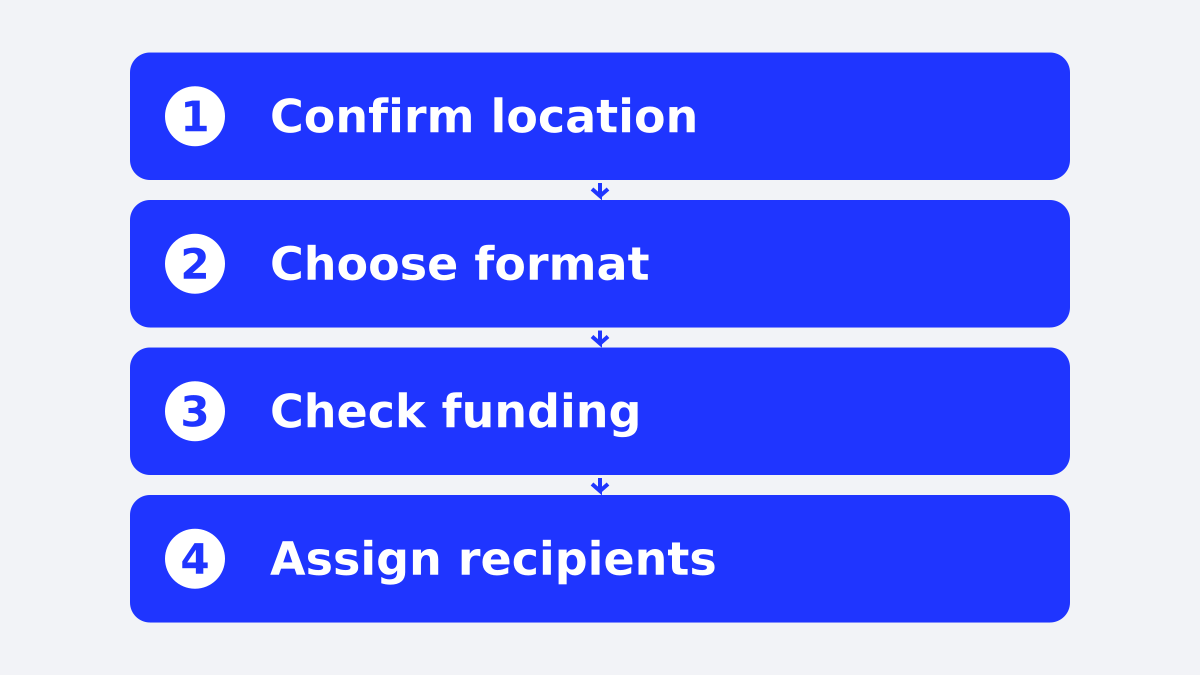
Confirm four things before opening the order: where recipients will use the cards, whether they need digital or physical cards, how much each person receives, and how the list will be delivered. These checks prevent a polished order from solving the wrong problem.
- Confirm the country. Starbucks Card rules and availability are issuer-specific. Starbucks’ card terms describe use in North America and list additional countries where US-purchased cards can be used, but a business order still needs current issuer confirmation for the recipient group.
- Confirm the format. Ask the selected route whether it offers digital or physical cards, and who handles distribution for the format you choose.
- Set the amount. Starbucks’ official card terms state that the typical minimum load is $5, a single card can hold up to $500, and no more than $2,000 can be associated with one card in a single day. The terms also state that these amounts can change.
- Prepare the list. Keep names, email addresses, amounts, send dates, and any personalization fields in one controlled file. Remove duplicates before uploading or submitting the order.
A 40-person client thank-you send might use one amount for everyone. An employee recognition program might assign different amounts based on the reward event. The list structure needs to match the decision before the cards are purchased.
How do you send bulk Starbucks gift cards in three steps?
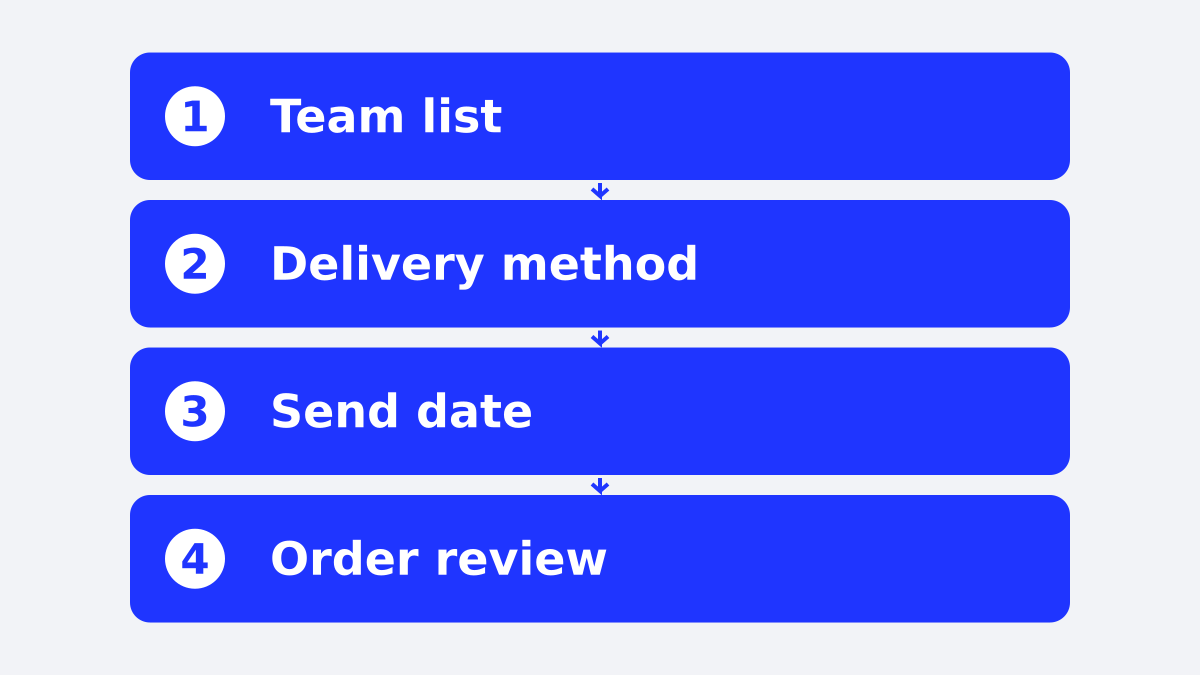
A bulk send has three practical stages: select the route, build the order, and review the send. The exact screens differ by provider, but the work stays similar.
1. Select the route and card format
Choose Starbucks’ group-order route, a business platform, or a retailer that confirms the required quantity and format. For a Starbucks-only audience, select a Starbucks Branded Gift Card where the route supports it. For a mixed audience or uncertain recipient preferences, compare that choice with a Choice Card.
Starbucks’ Card Terms, effective July 24, 2023, state that an eGift can be delivered by email and scheduled for a requested delivery date, provided the payment is approved.
2. Add recipients and amounts
Enter the recipient details carefully, or upload a spreadsheet when the route supports it. Use one row per recipient and keep the reward amount beside the correct email address.
Giftronaut’s one-time order guide states that spreadsheet orders support different reward amounts per recipient and immediate or scheduled delivery. Giftronaut rewards are delivered by email, text message to US and Canadian (+1) mobile numbers only, or reward link.
3. Review funding, timing, and delivery
Review the recipient count, amounts, country, message, delivery date, and payment method before confirming. A scheduled order can be canceled before it sends, while fulfilled orders cannot be canceled, exchanged, or refunded.
Giftronaut’s pricing guide states that accounts are prefunded, credit card funding carries a 3% processing fee, and ACH and wire funding are free. The same guide states that Giftronaut has no platform, subscription, or per-card fees, so include the funding method in the total cost.

What are the minimums, denominations, and limits?
Starbucks’ official terms provide issuer limits, while the ordering route adds its own quantity and workflow rules. Keep those two sets of limits separate.
The 15-card minimum applies to Starbucks’ larger-group route. A platform’s quantity and funding rules are separate from Starbucks Card limits.
For a platform order, check the platform’s own account and funding rules. Giftronaut has no minimum order requirement, and its standard account funding limits are $100 minimum and $100,000 standard maximum, with the maximum capable of being raised. Those are platform funding limits, not Starbucks Card limits.
Finance also needs a funding and reconciliation plan. A 200-person order with varied amounts needs a clean file, a clear approval owner, and a payment method that finance accepts.
Starbucks’ Card Terms state that Starbucks Cards and their balances do not expire. For the broader expiry question, read whether Starbucks gift cards expire.
How does Starbucks’ corporate program compare with a platform or retail packs?
Starbucks provides a larger-group path, while business platforms and retailers offer separate purchasing routes. Compare fulfillment responsibility, list administration, and whether the send stays Starbucks-only.
Starbucks’ public gift-card page links larger-group buyers to a group-order path and lists a 15-card minimum. The Starbucks Card Terms, effective July 24, 2023, direct businesses to starbuckscardb2b.com for business-specific requirements and restrictions. The supplied issuer sources do not verify a universal logo-design lead time, a complete country list for every corporate format, or one fee schedule for every corporate order. Confirm those details with Starbucks before ordering.
Use a platform when the sender needs spreadsheet upload, scheduling, varied amounts, or a Choice Card for recipients who do not all want Starbucks. Giftronaut offers 4,300+ brands and reaches 225 countries through local catalogs and global prepaid options; brand availability varies by country.
Use retail packs when the seller confirms the required quantity and format. Check current stock, denominations, receipts, and the seller’s terms before distributing the cards.
What to compare before choosing
- Minimum order: Starbucks’ gift page lists 15 cards for its larger-group route. Giftronaut’s pricing guide states that it has no minimum order requirement. Confirm the retailer’s available quantity with the seller.
- Digital or physical: Starbucks’ gift-card page supports digital eGifts and lists physical cards through coffeehouses and retailers. Confirm the format available through the corporate or retail route. For a platform route, confirm that it provides the digital format your list requires.
- Branding: Ask Starbucks whether the selected corporate format supports your intended design and what lead time applies. Giftronaut supports pre-made templates and uploaded branded images through its order flow.
- Countries: Confirm where the specific Starbucks Card can be purchased and spent. A Starbucks Card is not automatically a universal international reward.
- Fees: Starbucks’ card terms state that Starbucks does not charge activation, service, dormancy, or inactivity fees on its Cards. For Giftronaut, there are no platform, subscription, or per-card fees, while credit card funding carries a 3% processing fee.
- Delivery speed: Starbucks and the selected platform control their own delivery process. Confirm the delivery date rather than promising a timing the source does not state.
What should you do before sending your list?
Start with a short order brief: recipient countries, digital or physical format, amount per person, delivery date, funding method, and owner for final approval. For employee rewards, have payroll confirm the treatment before sending. Then request issuer confirmation for any Starbucks corporate detail that the public terms do not answer, especially branding, country eligibility, and lead time.
Write the funding method beside the card value before anyone approves the list, then include that method in the total cost calculation.
For a straightforward Starbucks-only send, use the Starbucks group-order route when its minimum and format fit. For spreadsheet management, scheduling, or mixed recipient preferences, create a Giftronaut account and build the list there.
Sending bulk Starbucks gift cards
Giftronaut fits teams that need spreadsheet upload, scheduling, varied amounts, or one order for many recipients. Its catalog includes 4,300+ brands and reaches 225 countries through local catalogs and global prepaid options; brand availability varies by country. Create an account to prepare your recipient send.

Frequently Asked Questions
What is the minimum order for Starbucks corporate gift cards?
Starbucks’ gift-card page lists a 15-card minimum for its larger-group route. Starbucks directs business buyers to its business-to-business site for requirements and restrictions.
Can I buy bulk Starbucks gift cards?
Yes. Starbucks’ gift page lists a larger-group route with a 15-card minimum. A business platform and retail sellers provide separate ordering routes with their own requirements.
What limits apply to a Starbucks Card in a bulk order?
Starbucks’ Card Terms state that one Starbucks Card can hold up to $500, with no more than $2,000 associated with one card in a single day. Starbucks states that these amounts can change.
What should finance confirm before approving a bulk Starbucks order?
Finance should confirm the recipient count, card values, funding method, and total cost before approval. Giftronaut accounts are prefunded, credit card funding carries a 3% processing fee, and ACH and wire funding are free.
What should I confirm about Starbucks card countries?
Confirm where the specific Starbucks Card can be purchased and spent before sending it across borders. Starbucks’ card terms list North American acceptance and additional countries for US-purchased cards, while business orders require current issuer confirmation.
Can I send different amounts to different people in one bulk order?
Giftronaut’s one-time order guide states that spreadsheet orders can assign different reward amounts to individual recipients. Check the selected Starbucks route separately before submitting its order.