To use QR code gift cards at an event, encode each intended recipient’s reward URL and test the printed handoff before distributing it. Keep control of the links, confirm their claim rules, and treat retailer checkout codes as a separate workflow.
When do QR code gift cards fit your event, mailer or campaign?
A claim QR opens the encoded reward URL when a recipient scans it with a phone. Choose it for a physical handoff where typing a web address would add work. An event card, package insert, or mailed invitation gives you a place to print the code. Plan the recipient’s next step before deciding what to encode.
For example, a hypothetical research organizer checks attendance in its own system, assigns a reward, and gives the participant a printed card. That is a proposed campaign design, not a Giftronaut attendance feature.
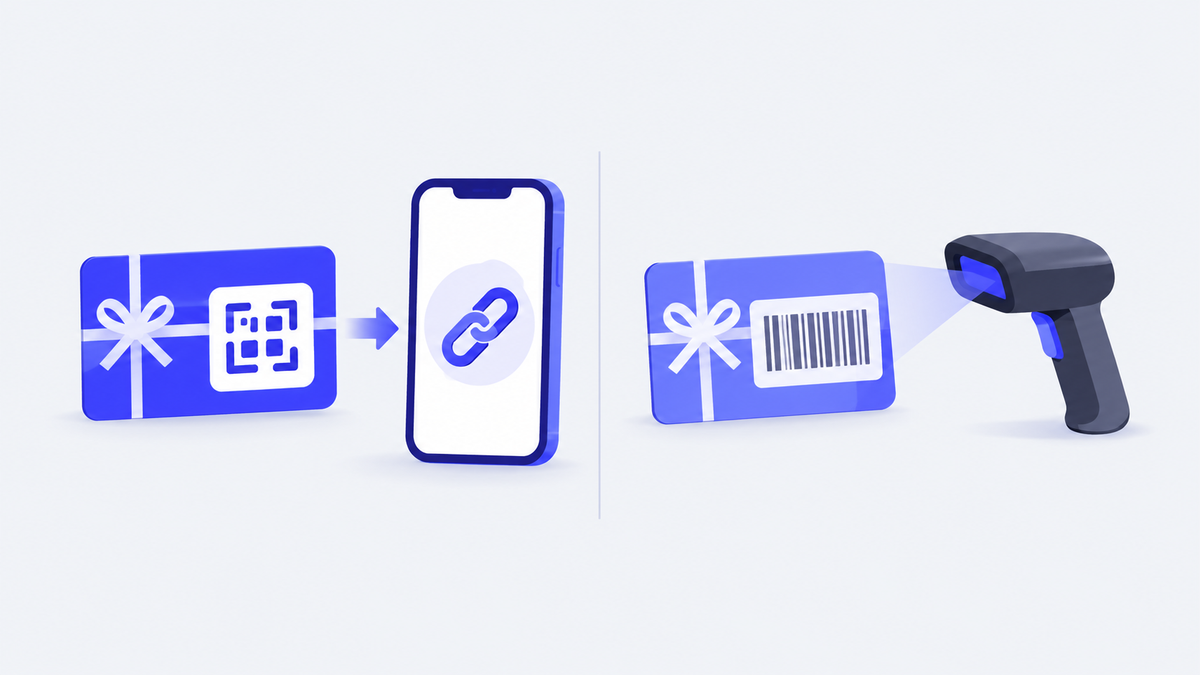
Distinguish two uses before ordering. One code can link to a page where a recipient claims a reward; another can be part of a retailer’s checkout instructions. Ask the issuer which process its code supports rather than treating every gift-card code as interchangeable.
How do QR code gift cards compare with email, SMS and link delivery?
Compare the information you have, the distribution effort, and the evidence you need afterward. The table is a planning worksheet, not a speed or security ranking. Confirm product-specific behavior with the selected provider.
| Route | Recipient information | Suitable handoff | Identity record | Printing effort | Claim step to test |
|---|---|---|---|---|---|
| Printed QR card | Destination and controlled distribution record | Event, mailer, or insert | Organizer records who receives it | Design, print, and replacement process | Scan, inspect destination, and follow its instructions |
| Intended recipient’s email address | Remote or named-recipient delivery | Address plus program approval record | No physical handout planned | Open email and follow reward instructions | |
| SMS | A number supported by the provider | Mobile delivery | Number plus program approval record | No physical handout planned | Open message and follow reward instructions |
| Giftronaut reward-link download | Recipient details are not required when ordering | Your own distribution channel | Maintain your own recipient-to-link mapping | Depends on your chosen channel | Test the reward URL and its recipient instructions |
Giftronaut’s reward-link download guide, checked October 31, 2026, describes a CSV with one unique URL per reward. The feature must be enabled on the account, and the account must be funded before ordering. If you choose to encode those URLs in printed QR cards, arrange and test that printing process separately.

What QR-specific criteria should you check: scan-to-claim, single-use or shared codes, fraud risk?
Confirm what the destination does, who can use it, and what happens after redemption. The printed pattern does not explain those rules to the recipient. Ask for the behavior of the specific reward or campaign you are buying.
FTC’s December 2023 QR-code guidance warns about replacement stickers and spoofed destinations. Inspect displayed codes for alterations and check the URL before entering information.
For Giftronaut’s downloaded links, the documented rule is specific: each URL corresponds to one reward, and the first redemption consumes it if the link is widely shared. Keep those URLs private. A public campaign that serves multiple people needs its own confirmed eligibility and claim rules.
Do not promise offline redemption merely because a phone can read the printed code. Include a weak-connectivity test in the rehearsal and record what the actual destination requires.
How do you plan print and event logistics for a QR code gift card?
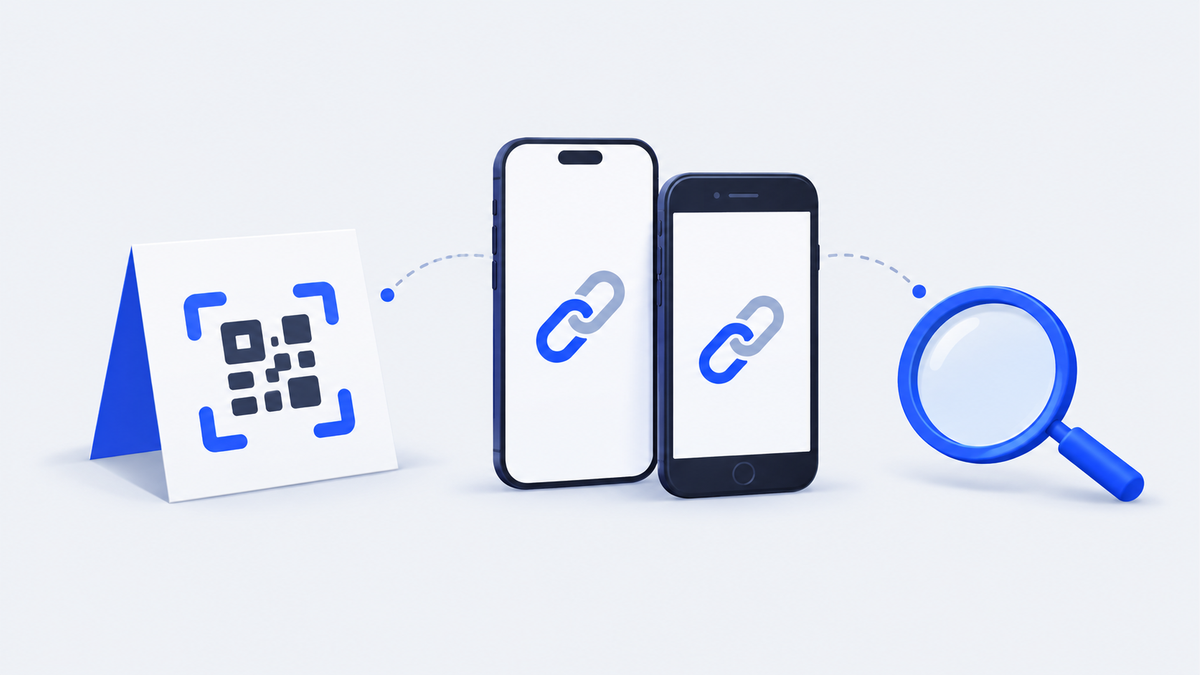
Test the final printed size, material, and destination before distributing the batch. Put one team member in charge of the handoff and another in charge of resolving exceptions. The following sequence is a suggested operational rehearsal.
- Print a sample on the intended paper or packaging.
- Test it with the iPhone and Android devices your team will use.
- Inspect the displayed destination and follow the reward instructions.
- Repeat under the venue’s expected connection conditions.
- Agree how staff will handle a damaged card or an unexpected redemption result.
Record issued, returned, and damaged card identifiers in the distribution log. Keep sensitive reward URLs out of broadly shared attendance files. Before printing spare cards, decide whether each spare represents a replacement print or a separately purchased reward.
For a hypothetical trade-show booth, staff can record the approved attendee reference and card identifier at handoff. The organizer’s record supplies the qualification evidence. Use the reward provider’s records for the delivery or redemption information it actually exposes.
What should you check before buying QR code gift cards from a provider?
Get answers for the actual reward, country, and distribution method before committing to the full quantity. Separate the cost of the reward from printing and event staffing. For a link-based setup, confirm that the provider permits the distribution method you plan to use.
Use this pre-purchase checklist:
- What destination opens, and what must a recipient do there?
- Is the code linked to one reward or a multi-recipient campaign?
- What are the expiry, repeat-claim, and unclaimed-balance rules?
- Which fees apply, and who covers them?
- What reporting and recipient support are available?
For Giftronaut funding, the Pricing guide, checked October 31, 2026, lists a 3% credit-card deposit processing fee and no ACH or wire funding fee. Those funding charges do not describe your printing costs or every possible redemption charge. Check the selected reward’s conditions too.
Choose the reward behind the printed card
For a hypothetical conference with mixed reward preferences, consider a Choice Card so recipients select an available reward. For a pre-agreed brand program, compare a Branded Card in the intended-use country and currency. Check those choices against the reward-link guide above before ordering.
Finish with a tested handoff
Before the event, make sure staff can explain what the recipient receives, where the code leads, and who handles a problem. A tested sample and a clear distribution record give the team something concrete to check when an exception occurs.
Frequently Asked Questions
What should I do if a gift card’s printed QR code is damaged?
Ask the sender or issuer for its supported recovery process. Keep the original card and purchase reference, and avoid substituting a code found online. Confirm the correct destination before producing any replacement print.
How can I check whether a QR-code gift message is genuine?
Contact the apparent sender through a channel you already trust before opening an unexpected reward. Inspect the destination for misspellings or substitutions. FTC’s December 2023 guidance explains why an apparently familiar QR code is not enough to establish trust.
Can I replace a retailer barcode with a QR code in my wallet?
Confirm the supported redemption format with the retailer or issuer before replacing it. A code used to open a gift-claim page and a checkout code serve different tasks. Do not assume that changing the visual format will preserve the retailer’s redemption process.
Do Giftronaut recipients need an account to redeem a reward?
Giftronaut’s How It Works page, checked October 31, 2026, says recipients do not need an account or app. They should follow the verification and redemption instructions for the reward they receive.
Can I see which recipients received and redeemed a reward?
Giftronaut’s order history guide, checked October 31, 2026, describes recipient-level delivery information. Recipient-level redemption status is available for Refund Option orders; delivery and bounce status are separate records. Keep the organizer’s eligibility and handoff records alongside that provider information.