
To learn how to send e gift card on Amazon, open the Amazon.com Classic eGift Card, choose Email, Text Message, or Shareable link, enter the requested recipient details, and follow checkout. For printing, use Amazon’s separate Print at Home gift card listing, and for multiple recipients, confirm the selected form’s current limit or use Amazon’s business program.
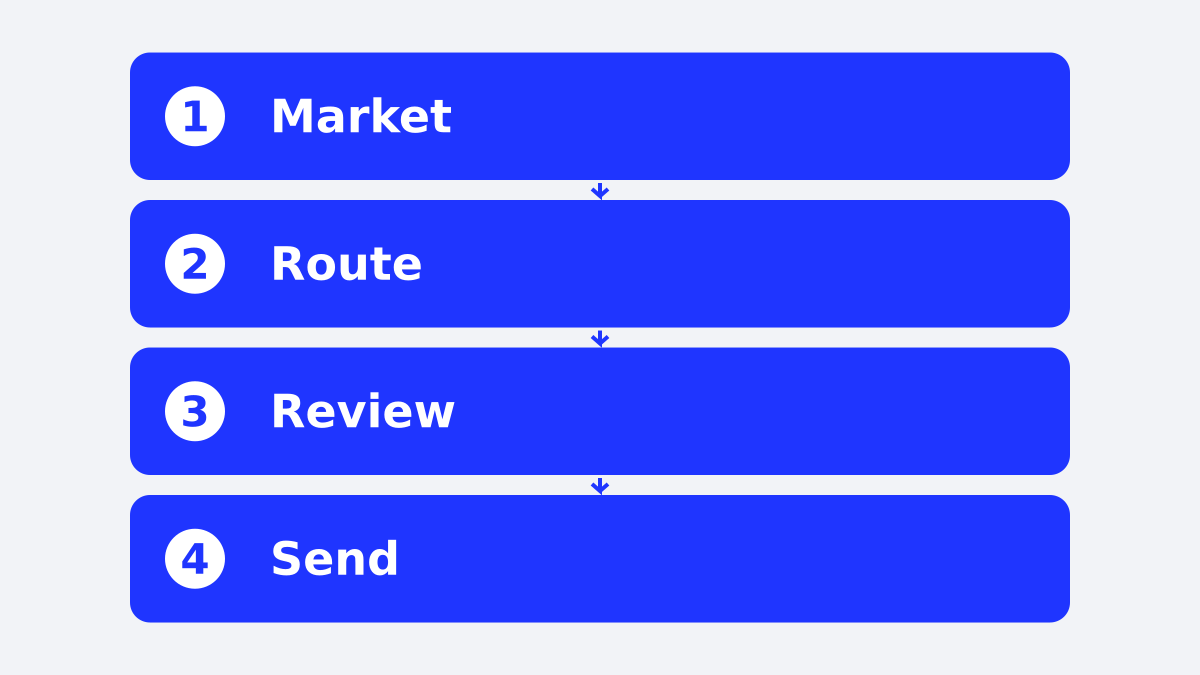
If you are sending a card, choose the delivery route and date before you leave the order form.
The right Amazon gift card route starts with the recipient’s marketplace, delivery method, and timing. Check those details before entering an email address or phone number.
If you’re sending an Amazon gift card, the same small details matter: marketplace, delivery route, recipient address, and timing.
How to send an e gift card on Amazon
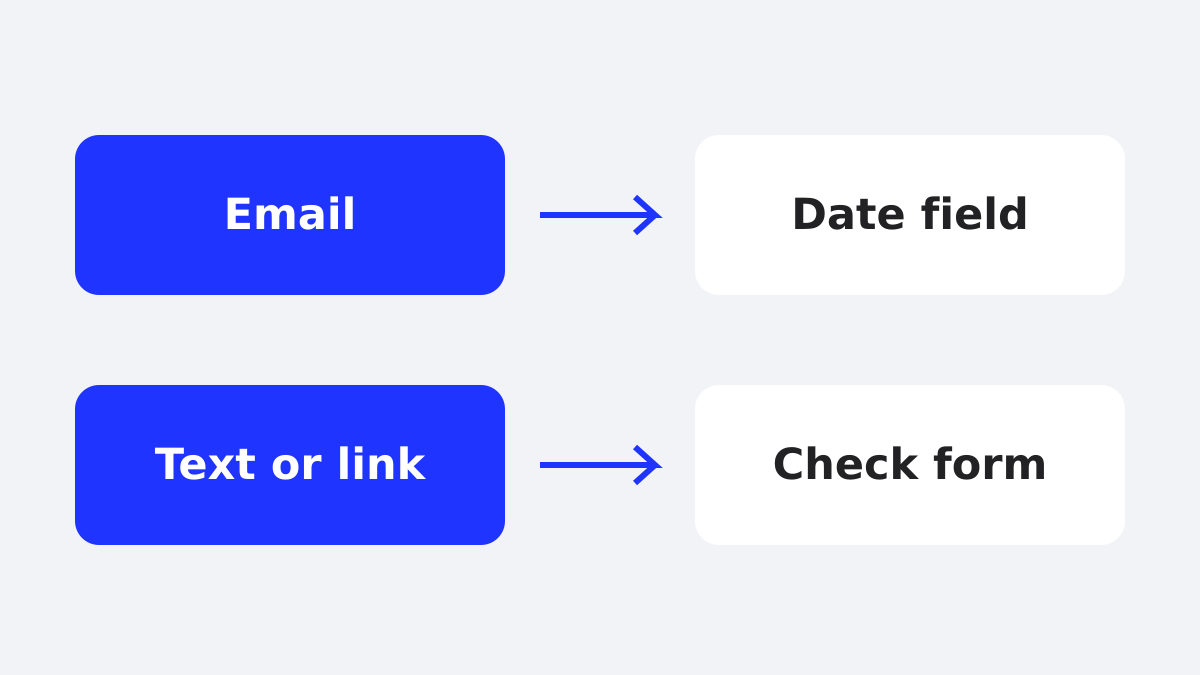
Amazon.com’s US eGift Card checkout shows three delivery choices: Email, Text Message, and Shareable link. Select the route, enter the recipient details requested by that route, and follow the checkout prompts to place the order.
As of November 2026, the Amazon Classic eGift Card form shows an email-address field for Email and a required US mobile-number field for Text Message. When Shareable link is selected, the page describes sending the gift to the recipient with that link.
Use these steps for the selected Amazon.com card:
- Open the Amazon.com eGift Card product page.
- Choose Email, Text Message, or Shareable link.
- Enter the recipient’s email address or phone number, or follow the instructions shown for Shareable link.
- Select a delivery date when the email checkout shows that field.
- Follow the current checkout prompts for the selected delivery route and complete the order.
Check the fields on the selected listing. Delivery options on the U.S. Classic form do not establish what Amazon offers on other listings or in other marketplaces.
What are the ways Amazon can deliver an eGift card?
Amazon.com’s US product page lists email, text message, and shareable-link delivery. A printed card is a separate route, so treat print-at-home availability as a product-specific checkout option rather than a universal feature of every Amazon eGift Card.
| Delivery route | What to check | Best fit |
|---|---|---|
| Recipient email address and available delivery date | A direct digital send | |
| Text Message | The phone number and fields shown on the form | A recipient who checks texts |
| Shareable link | The instructions shown for that option | A send through your own channel |
As of November 2026, Amazon Customer Service confirms that customers can send gift cards by text. It also advises recipients to verify that a gift email or text claiming to come from Amazon is authentic.
Before placing an order for a team, decide who will verify the recipient details and keep the order record.
Can I send an Amazon gift card through a messaging app?
As of November 2026, the Amazon eGift Card product page lists Shareable link. The instructions describe sending the card using a shareable link, without naming a specific messaging app.
Select Shareable link to read the instructions shown for that option. Check them before placing the order.
For a business order, decide who will record the recipient and send date for each gift.
How do you schedule an Amazon eGift Card?
As of November 2026, Amazon’s US Classic eGift Card email form shows a delivery-date field, so you can select a future email delivery date when that option appears for the product. The cited product evidence does not establish scheduled delivery for text messages or shareable links.
That gives you a practical rule: schedule email only when the checkout presents the date field, and do not promise that a text or link will arrive on the same schedule.
Before confirming a scheduled email, check four things:
- Recipient address: a scheduled send still depends on the correct email address.
- Date: verify the selected date, especially around weekends or holidays.
- Marketplace: confirm that the card matches the recipient’s Amazon site.
- Message: make the occasion clear so the recipient understands why they received it.
A scheduled email is useful for a birthday, work anniversary, or planned team announcement. It is less useful when the recipient needs the reward immediately, because the date becomes part of the delivery plan.
Use the delivery date shown on the selected email form.
Can I print an Amazon gift card instead?
As of November 2026, Amazon lists Print at Home separately from its US Classic eGift Card. Check the current Amazon checkout for the selected product before promising a printable option.
Use the Print At Home page when you want a card to hand over in person. Check the selected product’s instructions before you order.
For a recipient who prefers paper, printing can feel more personal. It also adds a physical handoff, so keep the printout secure until you give it to the intended person.
Can I use an Amazon gift card internationally?
A US Amazon gift card is for the eligible marketplace. As of November 2026, Amazon’s Amazon.com Balance and Amazon.com Gift Card Terms and Conditions state that Amazon.com gift cards apply to eligible goods and services on Amazon.com and identified applicable properties, while Amazon-affiliated properties in other countries are excluded.
Match the card to the recipient’s intended marketplace before sending. An Amazon.com card is not automatically the right choice for someone who shops on Amazon.co.uk, Amazon.ca, or another country’s Amazon site.
For an international team, collect the recipient’s country and intended Amazon marketplace first. If the marketplace is uncertain, a country-specific Amazon card creates a decision that the sender must resolve before checkout.
Check the merchant, country and currency together. The Giftronaut gift card types guide explains how its branded cards are tied to a country and currency.
How do I send Amazon gift cards to many people?
If the recipients are employees, coordinate payroll and tax handling before approving cash-equivalent rewards. IRS Publication 15-B states that cash and cash equivalents such as gift cards are not excludable as de minimis employee fringe benefits, regardless of amount.
For a group, check the selected Amazon.com form and confirm its current recipient limit before sending. Amazon’s Gift Card API is a separate program for participating businesses, not the retail checkout.
For a list of recipients, decide which route matches the job:
| Situation | Route to evaluate | What to check |
|---|---|---|
| One person | Amazon.com retail checkout | Marketplace, recipient details, delivery route |
| Business incentive program | Amazon business-program route | Eligibility, API or program requirements, records |
| A team that wants spreadsheet upload | Giftronaut one-time order | Recipient list and proposed send date |
The Giftronaut one-time order guide describes spreadsheet upload and scheduling. See the guide to buying Amazon gift cards in bulk for a comparison focused on group purchases.
For an international team, list the destination country before you select the card. Confirm availability for each country rather than assuming that one Amazon product works for every recipient.
After a Giftronaut send, the order history export guide explains how to export a complete history, a filtered report or a single-order report.
Common mistakes when sending an Amazon eGift Card
Before paying, check the marketplace, delivery route, recipient details, amount, and timing before you confirm the order.
Sending the wrong country’s card: Amazon gift cards are tied to their applicable marketplace. Ask where the recipient shops before choosing Amazon.com.
Assuming every route schedules delivery: the cited Amazon.com page shows a delivery-date field for email. Do not extend that promise to text or shareable links without seeing the option in checkout.
Using a group chat for a private link: a shareable link should go only to its intended recipient. Keep a record of who received each link.
Treating a team list like a single send: check what the selected retail form supports before choosing a business workflow.
Calling every digital card international: the Amazon.com terms limit the card to eligible Amazon.com uses and exclude Amazon properties in other countries. Confirm the recipient’s marketplace first.
Which route should you choose?
Choose Email when you want to address the send through the product form and use the delivery date offered there. Choose Text Message when the recipient’s phone number is correct and the text option appears for the selected product.
Check the route you selected before ordering. For a business send, also decide how you will keep the recipient and order records.
Start with the Amazon.com product page and review the delivery choices shown there. For a team, compare the best way to send gift cards online before you place the order.
Review the marketplace, recipient details, delivery route, and date before you pay. That check keeps a simple Amazon send from becoming a follow-up task.
Frequently Asked Questions
How far ahead can I choose the email delivery date?
The selected Amazon product form shows the available email delivery dates. Check that field before you send.
Which Amazon listing should I open to print a card?
Open Amazon’s separate Print at Home gift card listing for a paper handoff. Check its product instructions before placing the order.
Will a US Amazon gift card work on Amazon.co.uk?
The Amazon.com Gift Card Terms limit eligible use to Amazon.com and specified properties and exclude Amazon-affiliated properties outside the US. Buy for the marketplace the recipient uses.
Where can an incentive team check Amazon’s business program?
The Amazon Gift Card API program describes an option for participating incentive programs. Check the program requirements before you plan an order.
What records can I download after a Giftronaut send?
The order history export guide describes complete, filtered and single-order CSV exports. Choose the report that matches the order you need to reconcile.