To send a DoorDash e-gift card by email or text, use DoorDash’s website or app and choose the recipient, delivery method, amount, and send date. For a whole team, review DoorDash’s current business or bulk route, then see the existing bulk DoorDash gift cards guide for the team-order path.
When I prepare a digital gift send, I read the recipient detail aloud before confirming it. Use the same check for a remote lunch, thank-you, or late shift reward, so a quick send does not become a search through support messages.
How do I send a DoorDash gift card by email or text?
You can send a DoorDash e-gift card through DoorDash’s website or mobile app. DoorDash’s Help Center instructions say to choose the gift card, enter the recipient information, select a delivery option, and complete payment.
From the DoorDash website
- Open DoorDash’s website and sign in to your account.
- Select Account in the lower-left corner.
- Choose Gift Card.
- Select the gift card you want to buy.
- Enter the amount and recipient information.
- Review the recipient details and add the gift card to your cart.
- Complete payment and place the order.
DoorDash’s Help Center says the digital card arrives on the send date you choose. If you do not select another date, the send date is the day you purchase the card.
From the DoorDash app
The labels differ slightly between iPhone and Android, but the route is similar:
- iPhone: open the account area, tap Gift Card, and select the card you want to buy.
- Android: open Profile Account, tap Gift Card, and choose Buy Gift Card.
- Enter the recipient’s email address or phone number.
- Review the amount, delivery details, and send date.
- Add the card to your cart, complete payment, and place the order.
DoorDash’s help article states that you cannot switch an order from phone delivery to email delivery, or from email delivery to phone delivery, after purchase. Select the delivery route carefully before confirming.
The recipient receives a message with a link to the digital gift card. That page shows the gift message, value, and gift card PIN, along with redemption instructions.
Which details should I check before sending a DoorDash e-gift card?
The recipient’s contact information is the first check. A wrong email address or phone number can prevent delivery, while spam filters, corporate firewalls, and accidental deletion can also hide the message.
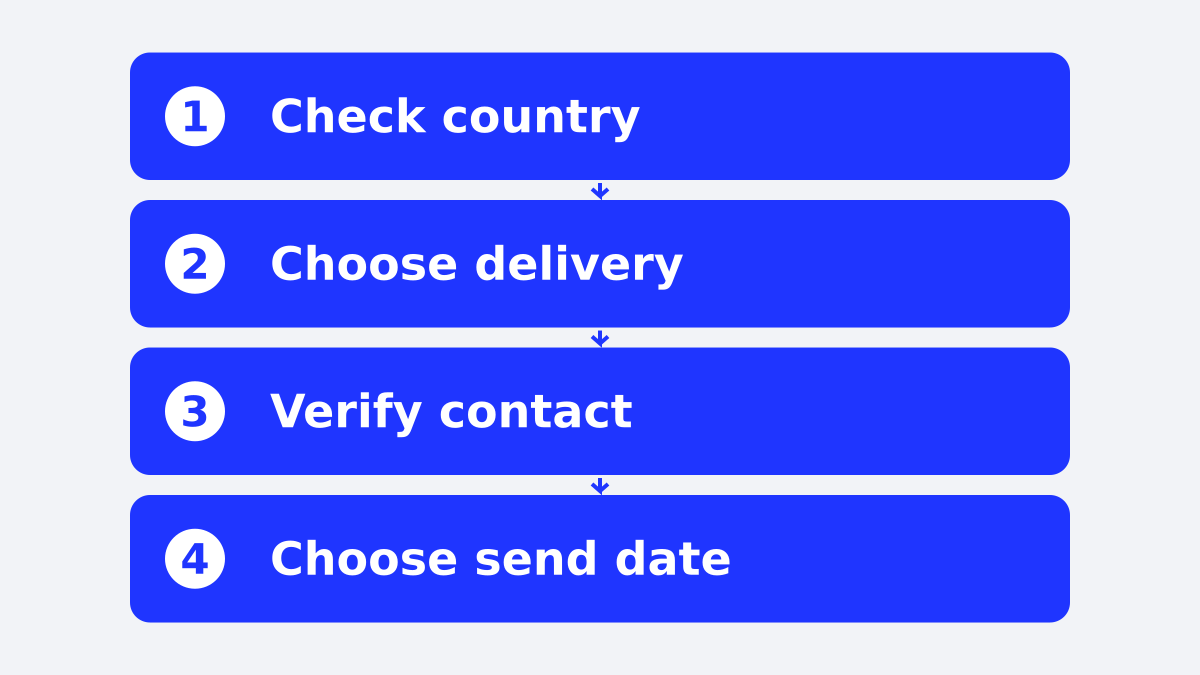
Use this short pre-send checklist:
- Availability: DoorDash’s Help Center lists gift cards in the United States, Canada, Australia, and New Zealand.
- Delivery method: choose email or phone delivery before payment.
- Recipient details: compare the address or number with the source list, then read it once more.
- Amount: confirm the value fits the meal, fees, and the situation you are recognizing.
- Send date: check whether the card should arrive now or on a later date.
- Payroll and tax coordination: if the card is an employee reward, coordinate with payroll and your tax adviser before sending so your company can apply its own reporting process.
- Message: name the reason for the gift, such as a remote lunch, a thank-you, or support for a late shift.
The message matters, but accuracy matters first. A short note sent to the right person beats a polished note sent to an address nobody owns.
What if the DoorDash gift card does not arrive?
Start with the order confirmation and recipient details. DoorDash says the confirmation email contains the gift card link, which you can copy and share with the recipient if the original message is missing.
If the recipient’s email address or phone number is wrong, open the gift card receipt in the DoorDash app and select Resend. DoorDash says you can resend the card to the same recipient or enter a new email address or phone number. The delivery method itself cannot be changed from email to phone, or phone to email, after the purchase.
If the issue continues, contact DoorDash customer support through the help route in the official article. Keep the order confirmation available so you can identify the purchase quickly.
How do I send DoorDash gift cards to a whole team?
DoorDash’s Help Center provides the consumer purchase steps. For team orders, review DoorDash’s current business or bulk terms, then see the existing bulk DoorDash gift cards guide for the team-order path.
For a larger team, compare three routes before purchasing:
| Route | Works well when | Check first |
|---|---|---|
| DoorDash website or app | You are sending a few cards | Recipient details and delivery method |
| DoorDash business or bulk route | You need multiple DoorDash cards | Current minimums, order rules, and delivery options |
| Rewards platform | You need mixed or larger sends | Brand availability, recipient countries, and reporting |
For buying DoorDash cards in bulk, see the existing bulk DoorDash gift cards article and verify DoorDash’s current business requirements before placing a team order.
DoorDash’s official consumer help article lists gift card availability separately for the United States, Canada, Australia, and New Zealand. Check the current terms for the recipient’s location before sending.
A rewards platform becomes useful when the job is bigger than selecting one DoorDash card. Giftronaut lets a business distribute reward links through its own channels, and Giftronaut’s reward-link download guide explains how that process works.
That gives a manager another route for a mixed team: send a named DoorDash card where it fits, or let recipients choose from available local options when one brand cannot serve everyone. Giftronaut’s one-time order guide documents spreadsheet uploads, scheduling, and one order to many recipients. Credit card funding carries a 3% processing fee, while ACH and wire funding are free. The bulk gift card page explains the business sending route.
How do I redeem a DoorDash e-gift card?
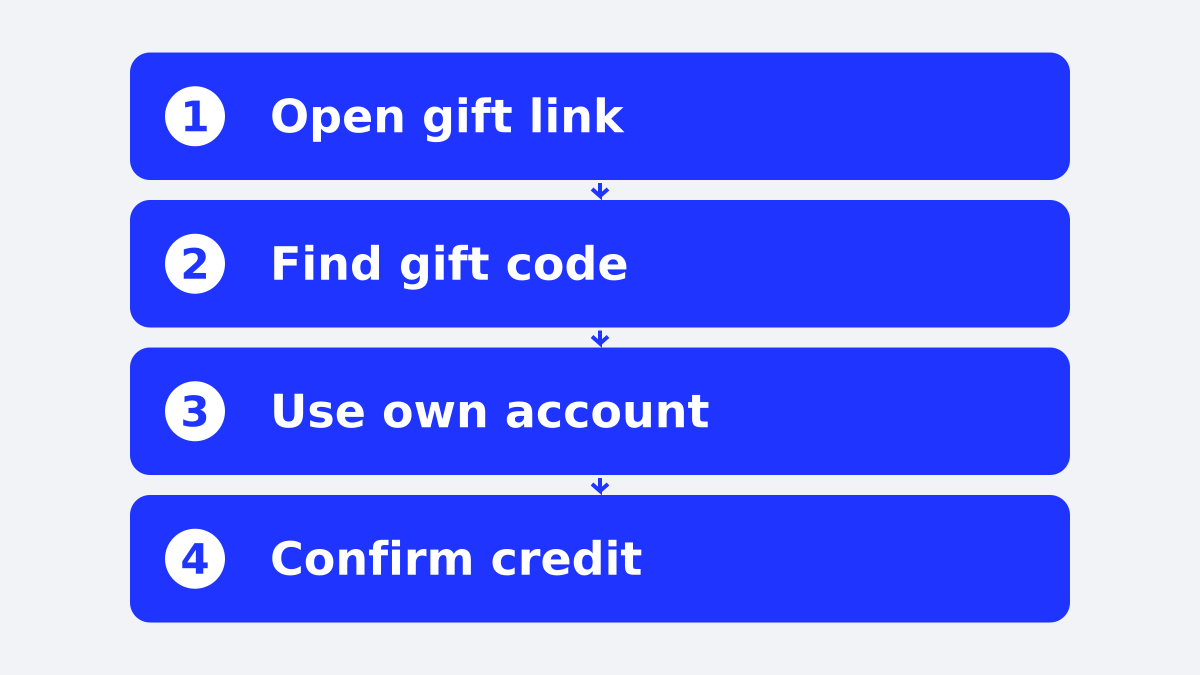
The recipient redeems the card in the DoorDash app or on the DoorDash website by entering the gift card PIN. DoorDash says the gift card credit appears in the account and automatically applies to the next order.
In the DoorDash app
- Create a DoorDash account or sign in.
- Open Account on iPhone, or Profile Account on Android.
- Select Gift Card.
- Tap Redeem or enter the gift card PIN.
- Confirm the redemption.
The exact menu labels vary by device. If the recipient is already checking out, DoorDash also provides a route through the cart: open the cart, select the promo or rewards area, choose the gift card redemption option, and enter the PIN.
On the DoorDash website
Sign in to DoorDash, open Account, choose Gift Card, and select Redeem. Enter the gift card PIN and confirm. During checkout, the recipient can also open the promo, rewards, and gift card area under the order cart.
A primary payment method is not required when the gift card covers the full order. DoorDash states that a payment method is required when the gift card does not cover the remaining balance.
How do I check a DoorDash gift card balance?
The recipient can view the remaining DoorDash credit in the app or on the website after signing in. DoorDash’s current help article places the balance under the payment area, although the exact path differs by device.
On iPhone, open Account and then Payment. On Android, open Profile Account, select Settings, and choose Payment Methods. On the website, open Account and then Payments.
DoorDash says existing DoorDash credits and gift card credits are combined and automatically applied to the next order. If the order costs more than the available credit, the recipient needs another payment method for the difference.
Which sending route fits your situation?
Use DoorDash’s documented consumer flow when its website or app meets your sending needs. For a team, verify DoorDash’s current business terms, minimums, and delivery rules before ordering.
A rewards platform fits a sending job that requires spreadsheet upload, scheduling, or one order to many recipients. Giftronaut’s one-time order guide documents those ordering features, while delivery and bounce status are available for every order. Redemption status is available on orders with the Refund Option.
Make the next DoorDash send easier
When I prepare a quick thank-you, I still read the recipient details aloud before confirming the send. It is a small habit that keeps a reward from landing in an empty inbox.
A DoorDash card fits a recipient who can use DoorDash in the card’s available market. Read every email address, phone number, delivery method, and send date before confirming the order.
Frequently Asked Questions
Can I send someone a DoorDash gift card electronically?
Yes. DoorDash lets you send a digital gift card by email or phone from its website or app. Choose the delivery method before placing the order.
What details do I need to send one by email or text?
You need the recipient’s email address or phone number, the amount, the delivery method, and the send date. Review those details before completing payment.
Can I send a DoorDash gift card by text message?
Yes. DoorDash’s consumer purchase flow supports phone delivery for digital gift cards. Check the number carefully because the delivery method cannot be switched after purchase.
What happens if the recipient does not receive the card?
Check the order confirmation, spam folder, corporate email filters, and recipient details first. DoorDash says the gift card link appears in the confirmation email and can be copied and shared.
Can I resend a DoorDash gift card to a new number?
Yes. Open the gift card receipt in the DoorDash app, select Resend, and enter the corrected email address or phone number. The official DoorDash help article says the delivery method itself cannot be changed.
What does the recipient need to redeem the card?
The recipient signs in to DoorDash, opens the gift card area, enters the gift card PIN, and confirms redemption. The credit then appears in the account.
Can I send DoorDash gift cards to a whole team?
For a team order, review DoorDash’s current business or bulk terms and compare the existing bulk DoorDash gift cards guide before ordering.