What's New
We’ve been working hard to make Giftronaut smoother, smarter, and more intuitive for everyone.
Here’s what’s fresh this month — designed to save you time and make managing rewards feel effortless.
August 5, 2026

AI Message Translation for Recipients
Where you'll see this:
Dashboard → Place an Order → One-Time Order, Smart Order, Reward Link Order
Dashboard → Campaign Management
Dashboard → Recipient Management
Sending gifts across borders? Now your message can speak the recipient's language too.
You can translate your subject line and gift message into up to 5 languages at once, so each recipient can read the message in their preferred language. Set translations for the full order, customize languages by recipient, and add or update translations while managing your recipient list.
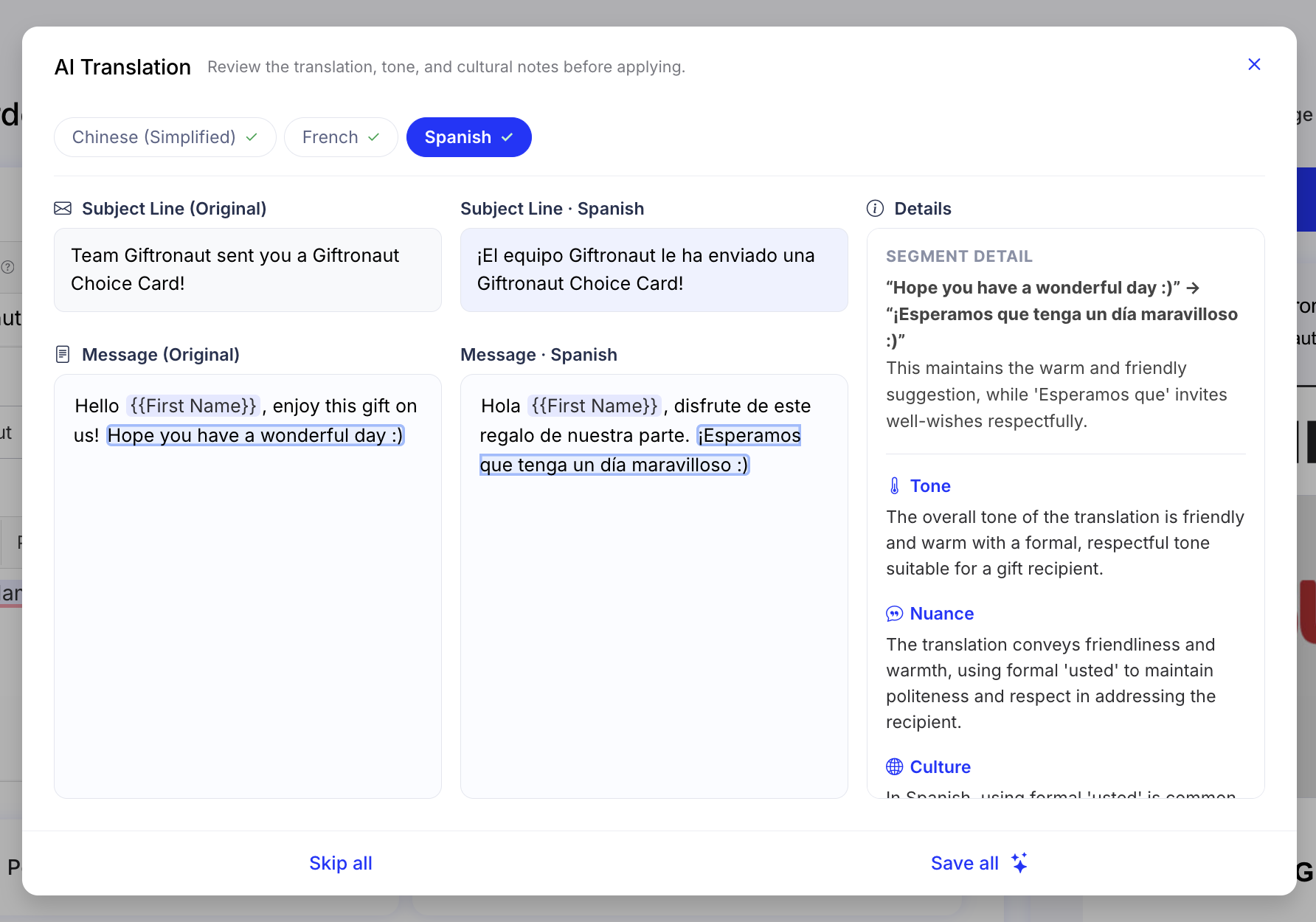
Recipients can also switch languages themselves on the redemption page using the language dropdown.
Available languages:
| Chinese (Simplified) | Dutch | French | German | Italian |
| Japanese | Malay | Polish | Portuguese (Brazil) | Portuguese (Portugal) |
| Sinhala | Spanish | Swedish | Turkish | Vietnamese |
One message. Every language.
July 7, 2026
Refund Option Renewal
Where you'll see this:
Dashboard → Place an Order (One-Time Order, Smart Order, Download Reward Link)
Dashboard → Campaign Management
More flexibility on unredeemed gift cards.
You can now choose from three Refund Option tiers at checkout. The shorter the expiration window, the higher the percentage of unredeemed funds returned to your account.
| Expiration | Refund |
|---|---|
| 30 days | 50% |
| 60 days | 40% |
| 90 days | 30% |
If you don’t select a Refund Option, your order will use the standard 180-day expiration period with no refund.
Pick the option that fits your budget right from checkout — no changes to how you place an order.
June 30, 2026
Roro AI (Early Access)
Where you'll see this:
Dashboard → Roro AI
Placing an order just got a lot more conversational.
Roro AI is now available in Early Access — an AI assistant built right into your portal that helps you create orders and generate reports through chat. Just describe what you need, and Roro walks you through it step by step, recommending options along the way.
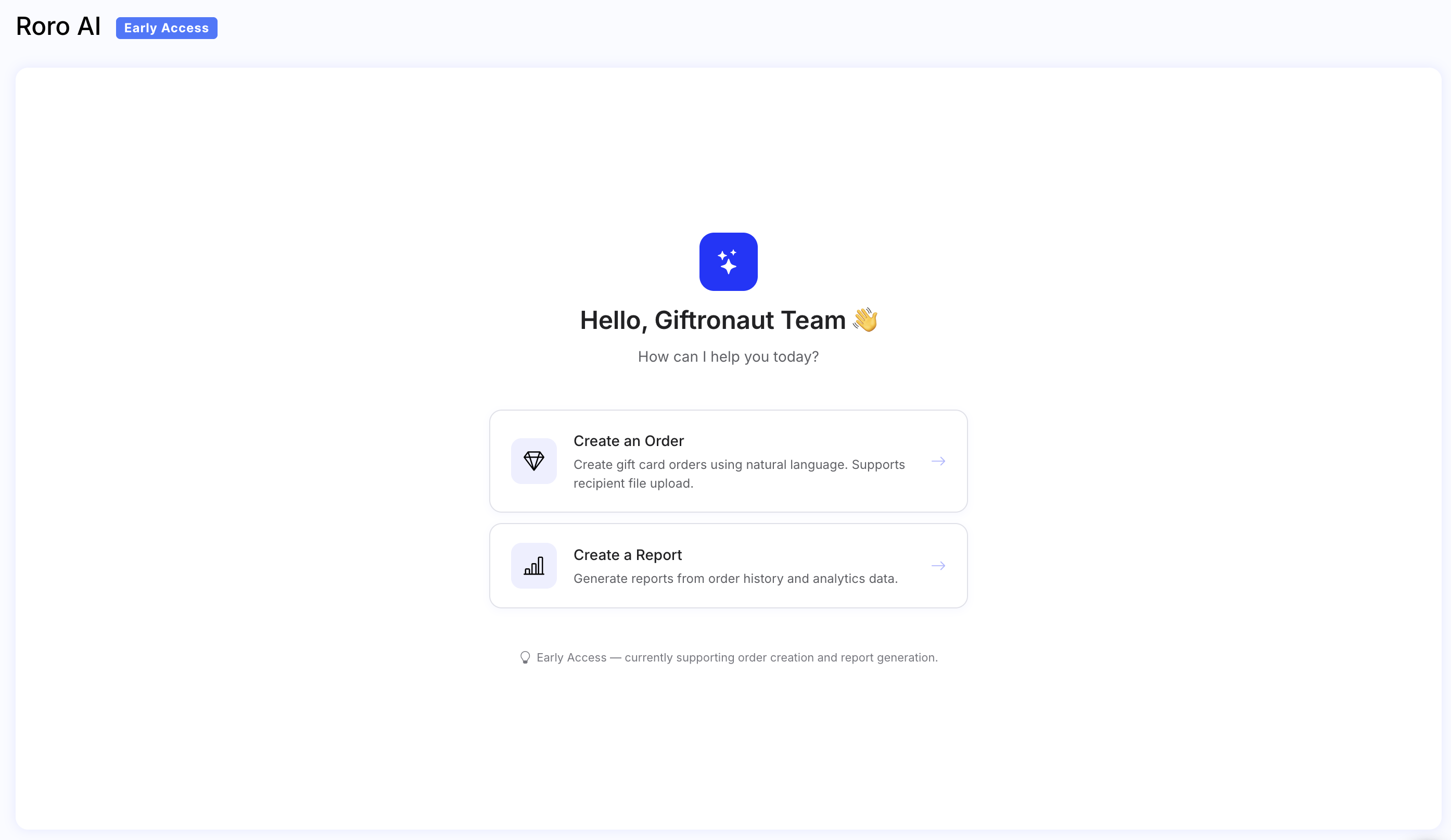
Smarter gifting, minus the guesswork.
June 25, 2026
Dashboard Renewal
Where you'll see this:
Dashboard
The moment you log in just got a lot more useful.
Your dashboard now adapts to where you are in your gifting journey. New to the platform? You’ll see a clear 3-step guide to get started — no digging through menus to find the Send button.
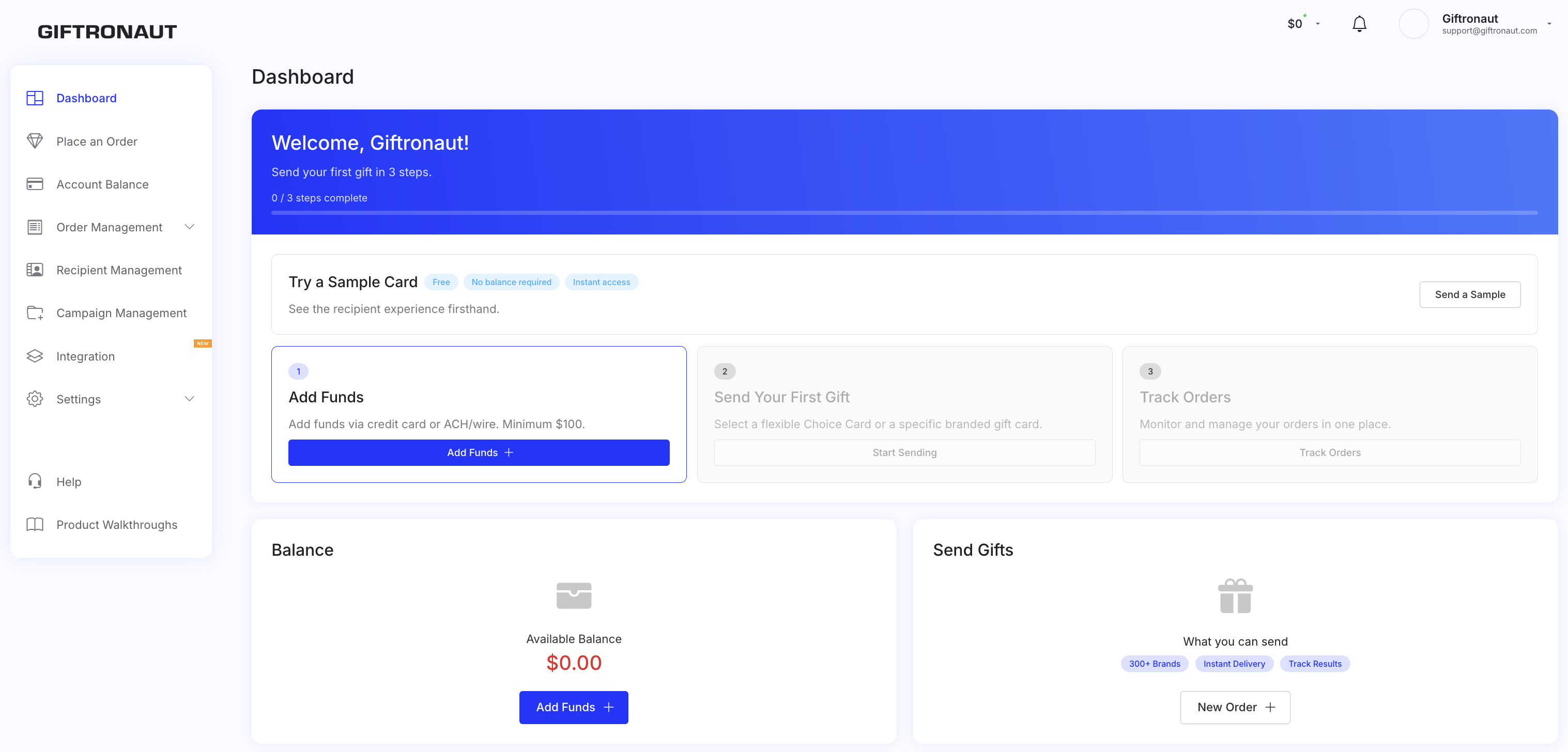
Once you’ve sent your first order, the dashboard automatically upgrades to a performance view showing your balance, recent orders, draft orders in progress, and a month-over-month summary of your sending activity.
Recipient Messages, which were previously shown on the Dashboard, can now be found under Order Management.
More of what you need, right when you need it.
June 18, 2026
Web Push Notifications
Your most time-sensitive alerts just got a faster lane.
You can now opt in to receive browser push notifications for key account activity, including funding confirmations, low balance warnings, scheduled send reminders, and weekly delivery reports.
Push notifications are enabled per browser and device, so you can turn them on wherever you want to receive alerts. You’ll still continue receiving email notifications as usual.
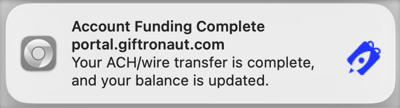
Less inbox hunting, faster action.
May 27, 2026
Custom Choice Card Catalog
Where you'll see this:
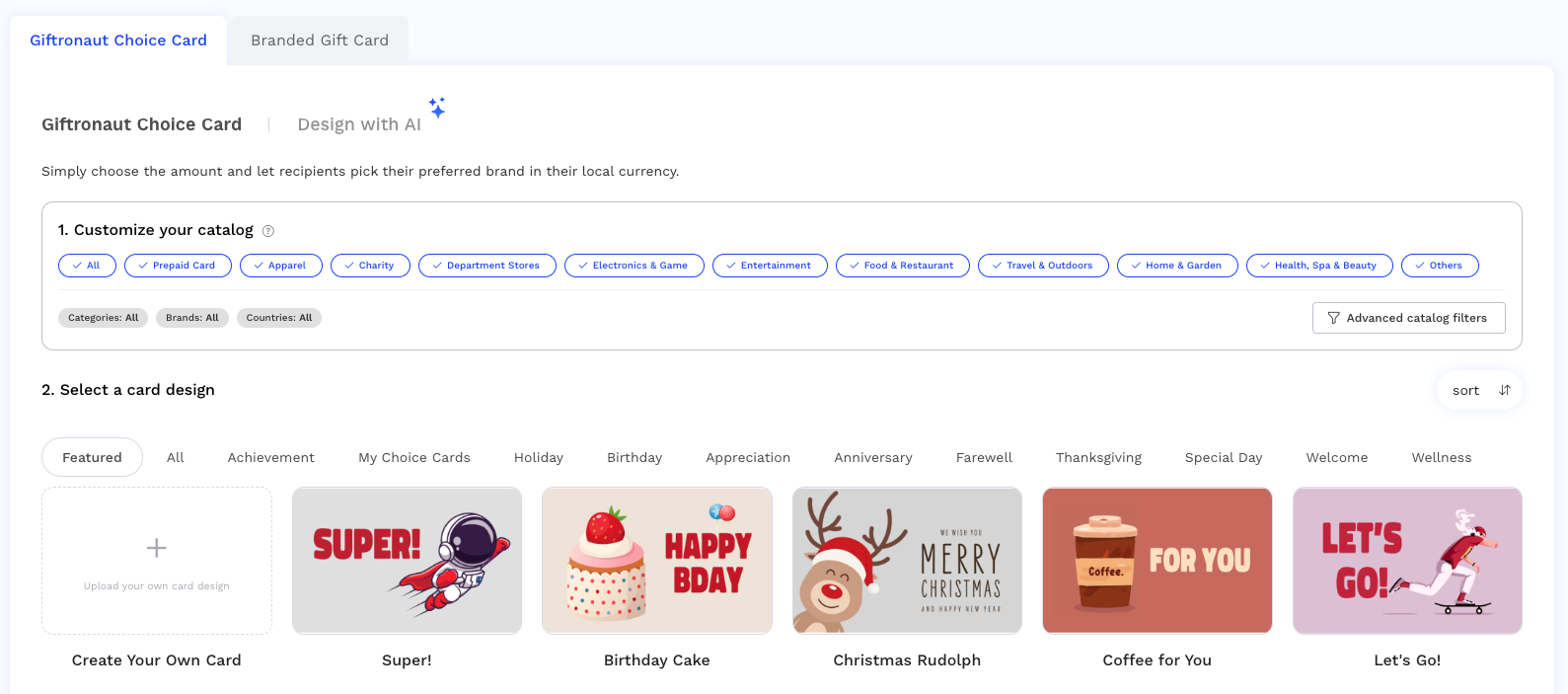
Dashboard → Place an Order → Step 1: Gift Card Option
Available across One-Time, Smart, Download Link, and Campaign orders.
Your recipients' shopping experience is now entirely in your hands.
Customize your gift card catalog before you send — no more support requests or next-day waits. Filter the brands that appear on your recipients' shopping page by category, country, and brand.